

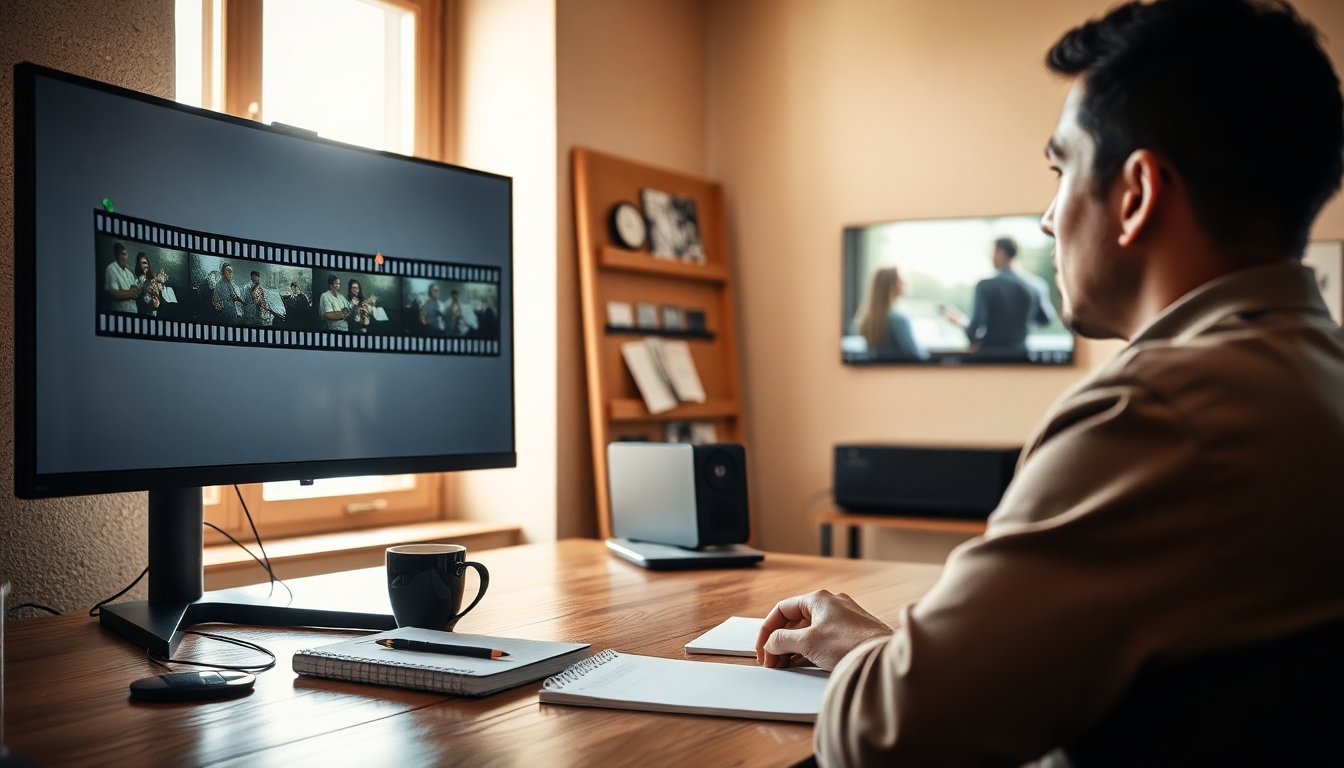
rea-video Reverse-Engineers Any Video, Shot by Shot
A 3,855-star Python repo that tells you whether each shot was filmed, AI-generated or coded — and how to remake it.
What you will learn
- What rea-video actually does: shot detection, provenance labeling (filmed vs. AI-generated vs. coded), and a remake plan per shot.
- How to install and run it from the GitHub repo, including the ffmpeg dependency and the VLM/agent-skill wiring.
- Which creators and editors it is built for, and where the detection logic breaks down.
- How it stacks up against adjacent agent tools like Reanimate and Taste-skill.
- The real limits: VLM hallucination, watermark-free AI video, and audio provenance.
You have seen the video. Someone edited a 45-second short that looks half-documentary, half-synthetic, with captions that snap to the beat and a cut rhythm you cannot quite explain. You want to make one like it. The old answer was to scrub the timeline frame by frame and guess. The new answer, if you believe a 3,855-star Python repository called JuneYaooo/rea-video, is to let an agent reverse-engineer the whole thing shot by shot and hand you a remake plan.
I have read the README, the topic tags, and the surrounding ecosystem. Here is my honest take: this is a young, genuinely useful tool with a sharp idea and a soft underbelly. The idea is provenance-aware video decomposition. The underbelly is that it leans on vision-language models to make judgments those models are not reliably good at yet.
What does rea-video actually do?
According to the repository description, rea-video takes a video and breaks it into shots, then reports for each shot whether it was filmed, AI-generated, or coded. It also claims to explain how the captions, cuts, and audio were made, and to give you a plan to remake the video yourself. The Chinese tagline is blunter: 逆向一切视频,逐镜拆出制作方式并给出复刻方案 — reverse-engineer any video, break out the production method shot by shot, and give a reproduction plan.
The topic tags tell you the plumbing: shot-detection, ffmpeg, subtitles, vlm, remotion, prompt-engineering, agent-skills, claude-code, codex. That is a coherent stack. ffmpeg does the demuxing and scene-change detection. A vision-language model looks at keyframes and classifies them. Remotion is the code-based video framework it likely targets when the answer is "this shot was coded, not filmed." And the agent-skill tags mean it is designed to be called from Claude Code or Codex rather than run as a standalone GUI.
That last point matters. rea-video is not really a video editor. It is an analysis skill for coding agents. You point an agent at a video, the agent runs the pipeline, and you get a structured breakdown plus prompts and code you can act on. The repo is in Python, which fits: ffmpeg bindings, frame extraction, and API calls to a VLM are all Python-native.
How do you install and run it?
Because the README is thin in the source material I have, treat these as the setup steps the topic tags imply rather than a copy-paste guarantee. Clone the repo, make a virtual environment, and install its Python dependencies:
git clone https://github.com/JuneYaooo/rea-video.git
cd rea-video
python -m venv .venv
source .venv/bin/activate
pip install -r requirements.txt
You will need ffmpeg on your PATH. On macOS that is brew install ffmpeg; on Debian/Ubuntu it is sudo apt install ffmpeg. You will also need an API key for whichever vision-language model the project expects — the tags point at VLM usage, so expect a config file or environment variable for a model endpoint. If you are invoking it as an agent skill, drop it into your Claude Code or Codex skills directory and call it from a prompt like: "Analyze this video shot by shot, label each shot as filmed/AI/coded, and give me a Remotion remake plan."
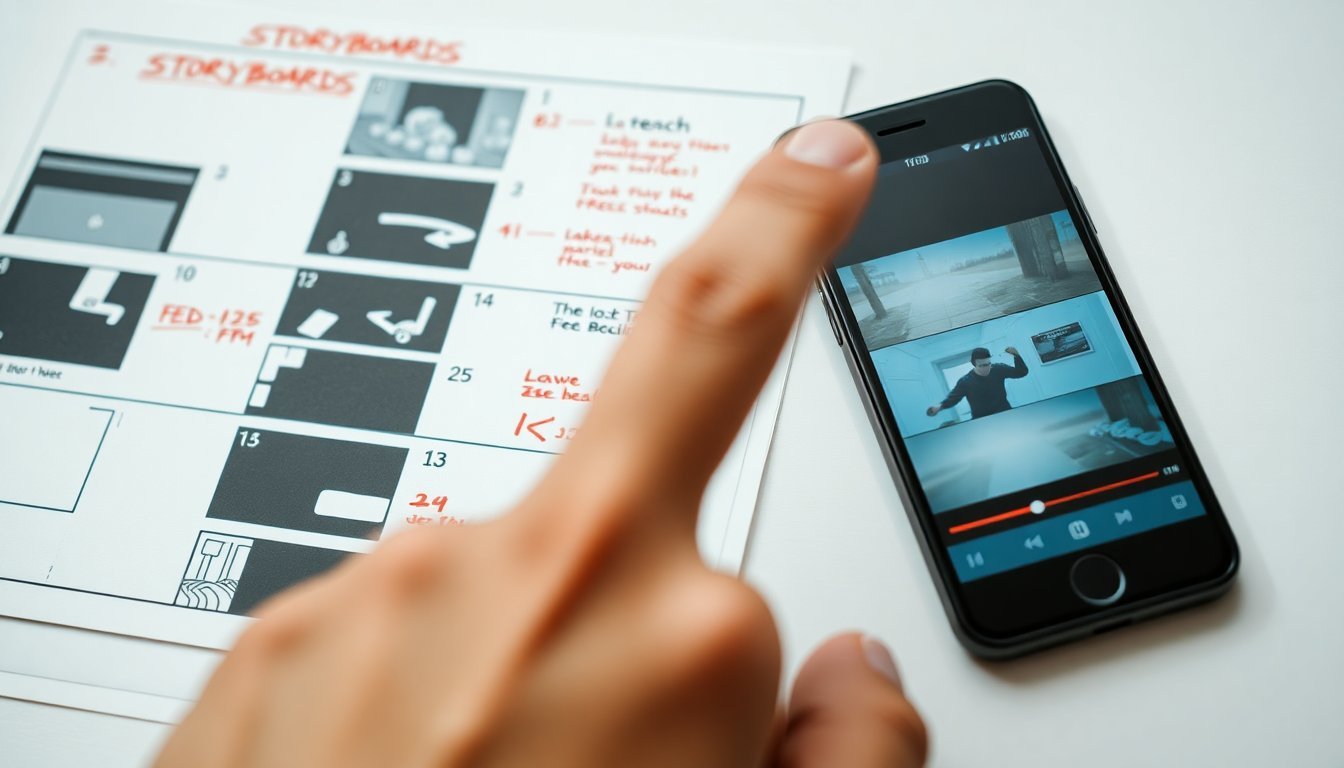
A small example of the output shape you should expect: for a 30-second product short, the tool might return five shots, flag shot 1 as filmed (camera motion, natural grain), shot 3 as AI-generated (warped text, inconsistent reflections), and shot 4 as coded (flat motion graphics, exact easing curves), then attach caption timing and an audio note. That structured output is the real product. It is what you feed back into your agent to generate the remake.
Is it new or mature? New. The star count is healthy for a young repo, but the description is a promise, not a proven benchmark. There is no published accuracy number in the material I have, and you should not assume one exists. Treat the provenance labels as a first draft that a human reviews.
Who is this for, and what is the one differentiator?
The audience is narrow and real: short-form creators, motion designers, and agent tinkerers who want to learn from a video rather than just watch it. If you already use Reanimate: A Claude Code Skill That Copies Any Animation to clone motion, rea-video is the analysis layer that tells you what to clone. If you use Taste-skill Gives Coding Agents an Eye for Design to keep generated UI from looking generic, rea-video is the equivalent for video provenance — it gives the agent a vocabulary for "this looks AI" versus "this looks shot."
The differentiator is the three-way label. Plenty of tools detect scene cuts. Plenty of detectors guess whether an image is synthetic. Very few combine shot segmentation with a filmed/AI/coded verdict and then hand you a remake path. The coded category is the smart part: a lot of modern short-form video is not filmed or generated, it is rendered with Remotion or After Effects, and lumping that into "AI" would make the tool useless to editors. By naming code as its own provenance class, rea-video speaks the language of people who actually build timelines.
Where does it fall short?
Three places, and you should know them before you trust a verdict.
First, VLM provenance classification is shaky. Vision-language models are good at describing a frame and bad at making forensic calls. They will confidently call a shallow-depth-of-field shot "AI-generated" because it looks smooth, and miss an actual AI shot because it was graded to look gritty. The repository tags aigc-detection, which suggests the author knows this is the hard part. My advice: use the shot breakdown and caption/audio notes as ground truth, and treat the filmed/AI/coded label as a hypothesis to verify.
Second, audio provenance is the weakest link. The description promises to explain how the audio was made. Separating a licensed music bed from an AI-generated voice from a foley library is genuinely hard, and the tool's ffmpeg-based pipeline can only go so far. Expect useful timestamps and less useful origin claims.
Third, the agent-skill framing cuts both ways. It is powerful if you live in Claude Code or Codex, and annoying if you do not. There is no evidence in the material I have of a polished standalone UI. If you want a button, this is not it. If you want a pipeline your agent can call, it is exactly it. For a sense of how these agent-skill repos mature, see Runner Puts Claude Code, Codex and Copilot CLI on One Task — the pattern is the same: sharp core, rough edges, fast iteration.
Should you use it?
Yes, with calibration. If you make short-form video and you want to reverse-engineer the competition, rea-video gives you a structured starting point that beats pausing and squinting. If you are an agent builder, it is a clean example of wrapping ffmpeg and a VLM into a skill with a real output contract. Just do not outsource your judgment to it. The tool tells you what it thinks each shot is; you decide whether to believe it. That division of labor is the honest way to use a young, ambitious repo like this one.






Discussion
Add a comment