


Poracode Puts Every AI Coding Agent in One Window
Porabuild's Poracode is a TypeScript workspace that runs Claude, Codex, Gemini, Cursor and Copilot side-by-side — terminal and chat, any layout. Here is what it actually solves, how to try it, and where it breaks.
What you will learn
- What Poracode is and the exact workflow problem it targets
- How to install and launch it from the Porabuild/Poracode repo
- How to lay out multiple agent terminals and chat panes in one window
- The honest limits: young repo, thin documentation, no built-in orchestration
- Where it fits next to Runner, Cezar, Squadra and agentbox
What is Poracode, and what problem does it actually solve?
If you have spent a week with coding agents, you already know the ritual: one terminal tab for Claude Code, another for Codex, a third for Gemini, a browser tab for Cursor, a fourth terminal for Copilot CLI, and a notes file to remember which agent is stuck on which branch. The agents are not the bottleneck anymore. Your window management is.
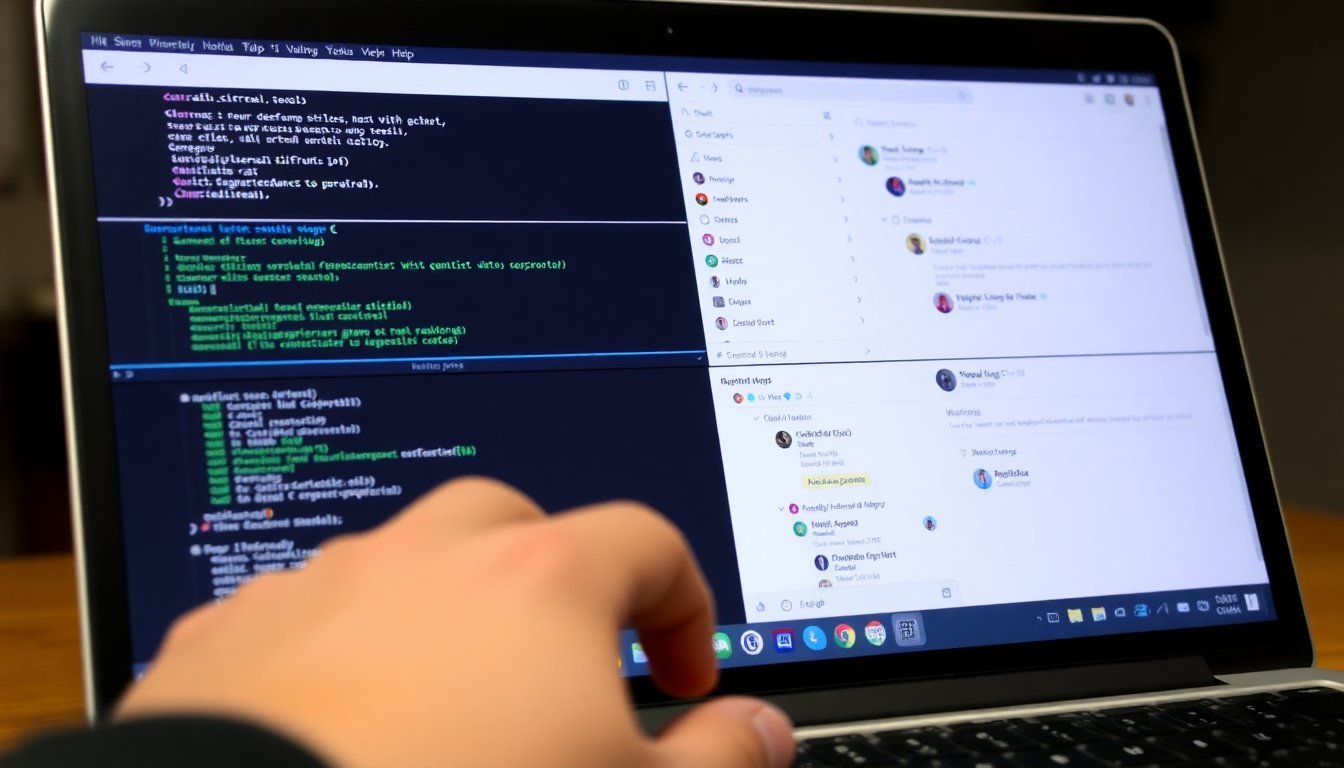
Poracode is a direct answer to that. According to the project's GitHub description, it is one window for all your AI coding agents, letting you run Claude, Codex, OpenCode, Gemini, Antigravity, Cursor, and Copilot side-by-side with terminal and chat, any layout. It is written in TypeScript and surfaced on GitHub Trending, which is how most people will first hear about it.
The one thing that makes it different is the framing: not another agent, not another orchestrator, but a cockpit. Poracode does not try to be smarter than Claude or Codex. It tries to be the place where you watch all of them at once, in whatever pane arrangement you prefer. That is a narrower ambition than tools like Runner, which puts Claude Code, Codex and Copilot CLI on one task, and it is honest about it.
How do you install and run Poracode?
Poracode is a young repository, so treat the README as the source of truth rather than any blog post, including this one. The general flow for a TypeScript project of this shape is standard: clone, install, run.
git clone https://github.com/Porabuild/Poracode.git
cd Poracode
npm install
npm run dev
Depending on how the project is packaged, you may also find a build-and-start path or a packaged desktop binary in the repo. Check the repository's README and releases page for the exact command that matches your platform. Poracode does not bundle the agents themselves — you still need Claude Code, Codex, OpenCode, Gemini, Antigravity, Cursor and Copilot installed and authenticated the way you normally use them. What Poracode gives you is the surface that hosts their terminals and chat panes.
A sensible first session looks like this: open one terminal pane for Claude Code, one for Codex, and one chat pane for a model you use for review. Point all three at the same small repository, give them different instructions, and watch how each one approaches the same bug. That is the moment Poracode earns its place — not when you have one agent, but when you have four and need to compare their output without alt-tabbing yourself into a stupor.
What does "terminal and chat, any layout" mean in practice?
The promise is that Poracode treats each agent as a pane you can place, resize, and rearrange. Terminal-first agents like Claude Code and Codex get a terminal surface; chat-oriented agents get a chat surface. You choose the grid. If you have used tiling window managers, the mental model will be familiar; if you have not, think of it as a dashboard you build per project.
This is where Poracode differs from single-purpose wrappers. Free Claude Code, which runs Claude Code in terminal, VSCode or Discord, gives you one agent in more places. Poracode gives you many agents in one place. The distinction matters because the failure mode of multi-agent work is not capability — it is attention. You cannot supervise four agents if three of them are behind tabs you forgot to check.
The layout freedom is also the main thing you should test before committing. A cockpit is only useful if the panes stay readable when you add a fifth agent. If you regularly run more than three or four agents at once, look at Cezar, which runs Claude Code, Codex and more in parallel, and agentbox, which runs dozens of Claude Code agents in parallel. Those tools focus on scale; Poracode focuses on visibility.
Where does Poracode fall short?
Be clear-eyed about what this is. Poracode is a new repository, not a mature product. The star count on GitHub Trending is modest, the documentation is thin, and the project has not yet accumulated the kind of issue history that tells you how it behaves under real workloads. If you need something battle-tested today, you are early.
It also does not orchestrate. Poracode will not assign tasks to agents, merge their branches, or reconcile conflicting edits. For that you want something like Squadra, which makes Claude, Codex and Cursor share one brain, or the communication layer in agents-can-communicate, which lets Claude Code and Codex talk. Poracode is the room; those tools are the conversation.
There is also the integration tax. Each agent you add is another install, another auth flow, another set of quirks. Poracode cannot smooth that over, and it should not pretend to. The honest pitch is: if you already run multiple agents and your problem is seeing them, Poracode is worth a clone. If your problem is deciding what they should do, start elsewhere.
Should you try it?
Yes, if you are the kind of developer who already keeps three agent terminals open and wants them in one frame. Clone Porabuild/Poracode, run it against a small repo, and give it an afternoon. The value is immediate and easy to judge: either the cockpit reduces your tab-switching or it does not.
No, if you want a finished product with orchestration, scheduling, and a support contract. Poracode is a young TypeScript project making a focused bet — that the next bottleneck in AI coding is not the model but the workspace. That bet is worth watching, and for a certain kind of developer, worth using today.






Discussion
Add a comment