

Poki Puts AI Agents on a Real iPhone, No Jailbreak
A young Swift repo turns your actual iPhone into an MCP-controlled agent target. Here’s how to wire it up, what it does well, and the walls you’ll hit.
What you will learn
- What Poki is and why running an agent on a real iPhone beats a simulator
- How the local MCP server and Swift agent fit together
- The install steps you’ll actually run, and the permissions you must grant
- A small example of an agent driving iOS Settings
- Where Poki is rough, young, and not production-ready
What Poki actually does (and why your phone is the point)
Poki is a young Swift repository that lets an AI agent operate a physical iPhone. It runs a local Model Context Protocol (MCP) server plus an agent on the device, and it advertises the three words that matter most here: no jailbreak, no extra hardware. You point your agent at the MCP server, and the agent gets hands on a real phone.
That last part is the whole pitch. Simulators are convenient, but they lie to you. They don’t have your carrier settings, your notification stack, your Bluetooth pairings, your camera, or the weird state your phone gets into after three days of not rebooting. If you want an agent that can actually finish a task on iOS — toggle a setting, walk through an onboarding flow, verify that an app behaves — a real device is the only honest test bench. Poki is trying to make that bench reachable without a jailbreak and without buying a rig.
According to the repository’s own description, the project is a local MCP server and agent for exactly this: letting AI agents operate a real iPhone. The repo is listed on GitHub under JosssphZhou/poki, written in Swift, tagged with ai-agents, automation, ios, iphone, and model-context-protocol. It is new — a young repo, not a mature platform — and you should treat it that way.
How do you install and run Poki?
Because Poki is a Swift project with a local server and an on-device agent, expect a build-and-sideload workflow rather than a one-line install. The exact commands live in the repo’s README; the shape of the setup is what matters. You will clone it, build the Swift targets, and get the MCP server running on your machine so your agent client can connect to it.
git clone https://github.com/JosssphZhou/poki.git
cd poki
# open the Swift package or Xcode project and build
# start the local MCP server, then point your agent client at it
The critical part is permissions. A no-jailbreak iPhone agent has to live inside Apple’s rules, which means the agent app needs to be installed on the device and granted the access it asks for — accessibility-style automation, screen observation, and whatever else the README specifies. If you skip those grants, the agent will connect and then do nothing useful. Budget time for this; it is the step where most people give up.
Once the server is up and the agent client is pointed at it, you are in MCP-land: your agent sees Poki’s exposed tools and can call them. That is the moment the project earns its keep — your agent is no longer describing what it would do on an iPhone, it is doing it.
What does an agent actually doing something on iPhone look like?
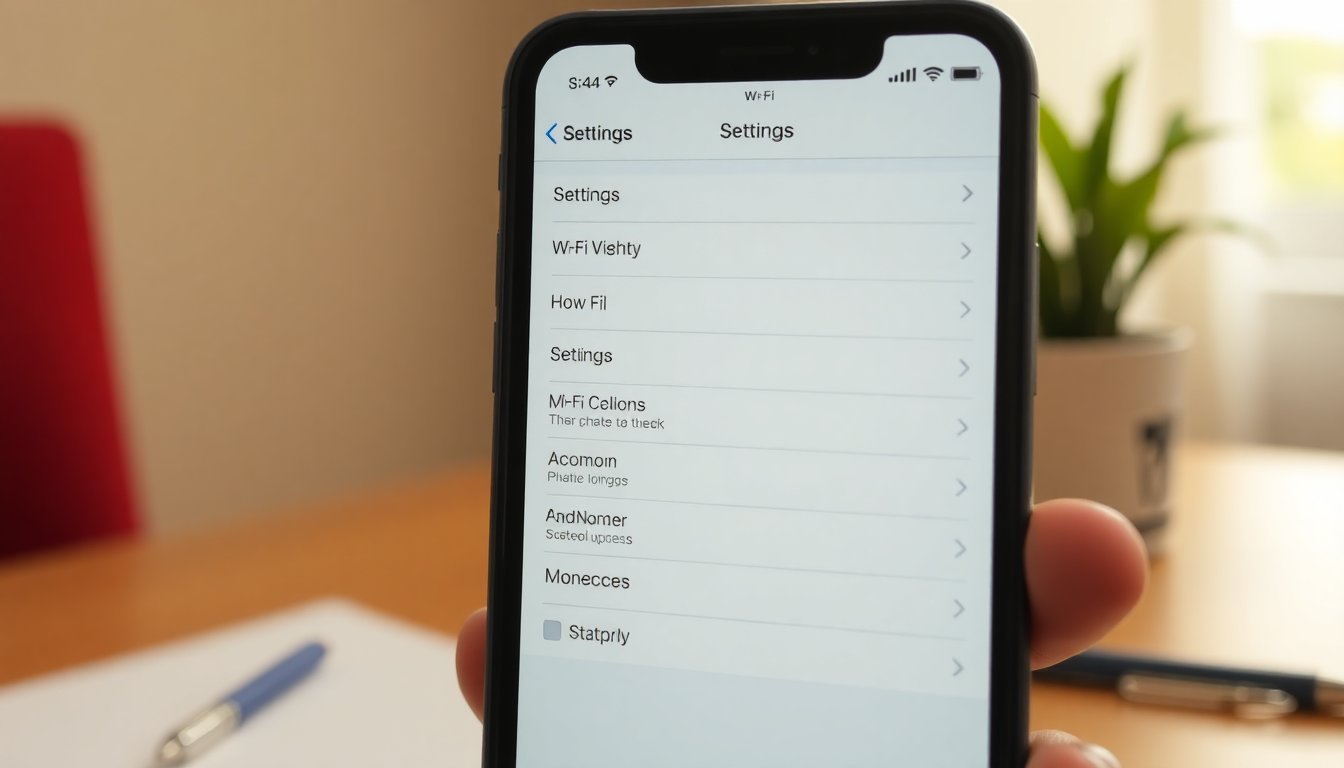
Start small and observable. A good first task is something you can verify by eye in five seconds: have the agent open Settings and report the current Wi-Fi state, or navigate to a specific settings pane and read back a value. The point is not the task’s difficulty; it is confirming the loop — agent decides, Poki executes on the phone, the phone’s state changes, the agent observes the result.
From there you can graduate to multi-step flows: walk through a permission dialog, dismiss a notification, or check that an app’s onboarding still works after an update. This is where a real device pays off, because the agent is fighting real iOS behavior instead of a simulator’s approximation.
If you have been following the MCP wave on SynapsFlow, this will feel familiar. agents-can-communicate showed how Claude Code and Codex can talk to each other; Poki is the same idea extended to a phone as the endpoint. And if you are building automation that needs a local bridge, the pattern in Codex-bridge Gives ChatGPT Local Hands and Agent Muscle is a useful comparison point for how much power a local bridge should hand an agent.
Where Poki falls short
Be honest about the maturity level. This is a young repo with a small audience, and young repos have sharp edges: setup instructions that assume you already know Swift tooling, permissions that are not fully documented, and behavior that changes between iOS versions. Apple’s automation surface is not a stable public API, so anything Poki does today can break on the next iOS release.
There is also a safety question you should answer for yourself before you run it. An agent with hands on your primary phone can read your screen and tap your apps. The MCP server is local, which helps, but local does not mean risk-free. Treat Poki like a power tool: run it on a test device if you can, keep the agent’s scope narrow, and watch what it does the first few times. If you want a model for making agent actions auditable, Vestige: A Safety Kernel That Makes AI Agents Show Their Work is worth reading alongside this.
Finally, Poki is not a replacement for a proper iOS test harness. It is a bridge that lets your agent touch reality. Use it to explore and verify, not to run unattended automation on a phone you depend on.
Should you try it?
Yes, if you are an AI agent tinkerer who owns an iPhone and has been waiting for a no-jailbreak way to let an agent actually press buttons. Poki is early, the setup will cost you an afternoon, and you will hit rough edges. But the core idea — a local MCP server and Swift agent that turn a real iPhone into an agent target — is the right one, and 873 stars suggests you are not the only person who wants it. Clone it, grant the permissions, and give your agent a phone.






Discussion
Add a comment