

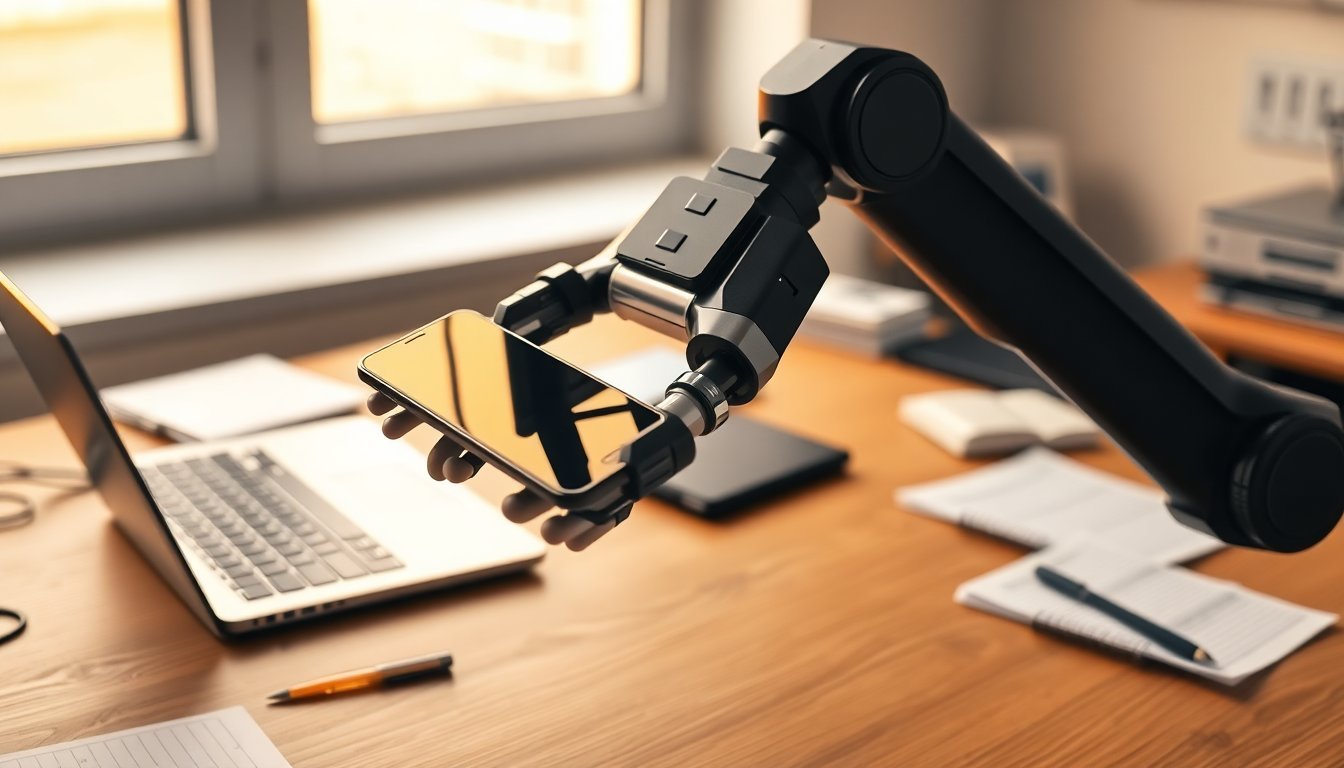
phone-harness/mcp: Give AI Agents Real Phones, Not Emulators
A young Python MCP server that lets agents touch actual iPhones and Androids. It is the bridge mobile automation has been missing — and it is still rough.
What you will learn
- What phone-harness/mcp actually does and why it is different from emulator-based phone automation
- How to wire it into an MCP-compatible agent using real commands
- The one design decision that matters: real hardware over simulators
- Where the project is immature and what will bite you first
- How it fits alongside other MCP tools you already run
What phone-harness/mcp actually is
Most "AI phone automation" you see is a demo running against an emulator or a scripted screen recording. It looks great and collapses the moment an app throws a permission dialog, a notification banner, or a vendor-specific keyboard. phone-harness/mcp takes the opposite bet: it connects your agent to a physical iPhone or Android device over the Model Context Protocol, the same interface Claude and other MCP clients already speak.
The repo is young — it sits in GitHub's "New repos" bucket, is written in Python, and carries the topic tags mcp-server, mobile-automation, and phone-automation. That tells you the shape of the thing: a local MCP server that exposes phone actions as tools an agent can call. You are not writing Appium scripts by hand. You are handing the agent a phone and a set of verbs.
If you have already wired MCP servers into your workflow — the way you would with Notion's official MCP server or pal-mcp-server — the mental model is identical. The difference is the endpoint: a real handset instead of an API.
Why real hardware beats emulators for agents
Here is the argument in one line: agents fail on the long tail, and the long tail only exists on real devices. Emulators give you a clean Android image or a simulated iOS surface. Real phones give you carrier bloatware, two-month-old app versions, biometric prompts, battery-saver throttling, and everything else that makes mobile automation miserable — which is exactly what your agent needs to learn to survive.
According to the repository's own description, the project's purpose is to connect AI agents to real iPhones and Androids. That is the entire pitch, and it is a good one. The value is not the MCP plumbing; it is the decision to target physical hardware. An agent that can drive a real phone can do QA on a device farm, run repetitive account setup, or verify that a mobile flow actually completes instead of just rendering.
The trade-off is obvious and worth saying plainly: real devices are slow, flaky, and expensive. Emulators spin up in seconds and reset cleanly. The moment you point an agent at hardware, you inherit every physical-world failure mode. That is the price of realism, and the project is explicitly choosing to pay it.
How do you install and wire it into an agent?
Because this is a Python MCP server in a young repo, the safe assumption is a standard local-server setup: clone it, create a virtual environment, install dependencies, then register it with your MCP client. The exact command names may shift as the project matures, so verify against the README before you copy anything. The shape looks like this:
git clone https://github.com/phone-harness/mcp.git
cd mcp
python -m venv .venv
source .venv/bin/activate
pip install -e .
Then you register the server with your MCP client — for example, a Claude Desktop config entry pointing at the installed entry point:
{
  "mcpServers": {
    "phone-harness": {
      "command": "python",
      "args": ["-m", "phone_harness_mcp"]
    }
  }
}
On the device side, you will need the platform bridges that let a host machine talk to a phone: Android Debug Bridge for Android, and the corresponding iOS tooling for iPhones. That is not optional plumbing — it is the difference between an agent that sees a phone and one that only knows it exists. Do not skip the device-authorization step; an unauthorized handset will look connected and silently refuse every action, which is the worst kind of bug to debug through an agent.
A small example of what the interaction feels like: you ask your agent to open the settings app, toggle a permission, and report the resulting state. The agent calls the server's device and UI tools in sequence, reads back what the screen says, and tells you whether the toggle stuck. That loop — act, observe, verify — is the whole point. It is also the loop that exposes every weakness in the server, because a single missing tool breaks the chain.
Where it falls short
Let me be direct: this is not a mature tool, and you should not treat it like one. The star count is modest, the repo is new, and the topic list tells you more about intent than about battle-testing. Expect the following friction.
- Device coverage is the hard part. "iPhone and Android" is a promise, not a guarantee. Different OS versions, OEM skins, and screen sizes will each surface their own breakages. Test on the exact devices you care about before trusting a pipeline.
- Setup is fiddly. Between Python environments, MCP client configs, and platform bridges, there are several places to get it wrong, and the error messages will not always point at the real cause.
- Real devices are stateful in ways agents hate. A phone that was left on a modal dialog, has low storage, or is mid-update will behave differently from the clean device in the README. Your agent needs recovery logic, and the server can only do so much.
- Security deserves a hard look. An agent with permission to tap anything on your phone is an agent with permission to tap anything on your phone. Scope it to a dedicated test device, not your daily driver.
None of these are reasons to skip it. They are reasons to treat it as an early tool you evaluate deliberately rather than a drop-in dependency. If you want a comparison point for how mature MCP tooling can feel, look at how arxiv-mcp-server handles local MCP — smaller scope, but a clearer contract.
Who should try it now
If you run mobile QA and you already have a device lab, this is worth a weekend. The combination of MCP plus physical hardware is the interesting part, and no amount of emulator tooling replaces it. If you are building an agent product that needs to touch a phone, prototype on this before you commit to a vendor SDK — the interface shape is right even if the implementation is green.
If you just want to automate your own phone for convenience, wait. The repo needs more time, more devices, and more issue reports before it is a comfortable daily tool. Watch it, star it, and come back when the README has a compatibility matrix. For adjacent agent infrastructure that is further along, Hycli's verified CLI and MCP actions show what a more settled contract looks like.
The bet here is simple and, I think, correct: agents will increasingly need hands, not just words, and the hands that matter are the ones in your pocket. phone-harness/mcp is an early, imperfect attempt to lend them out. Try it on a spare phone, keep your expectations calibrated, and pay attention — this category is going to matter.
Source and attribution
GitHub
phone-harness/mcp: Connect AI agents to real iPhones and Androids






Discussion
Add a comment